how-to
Paperless Statements
How to setup Paperless Statements in Online Banking
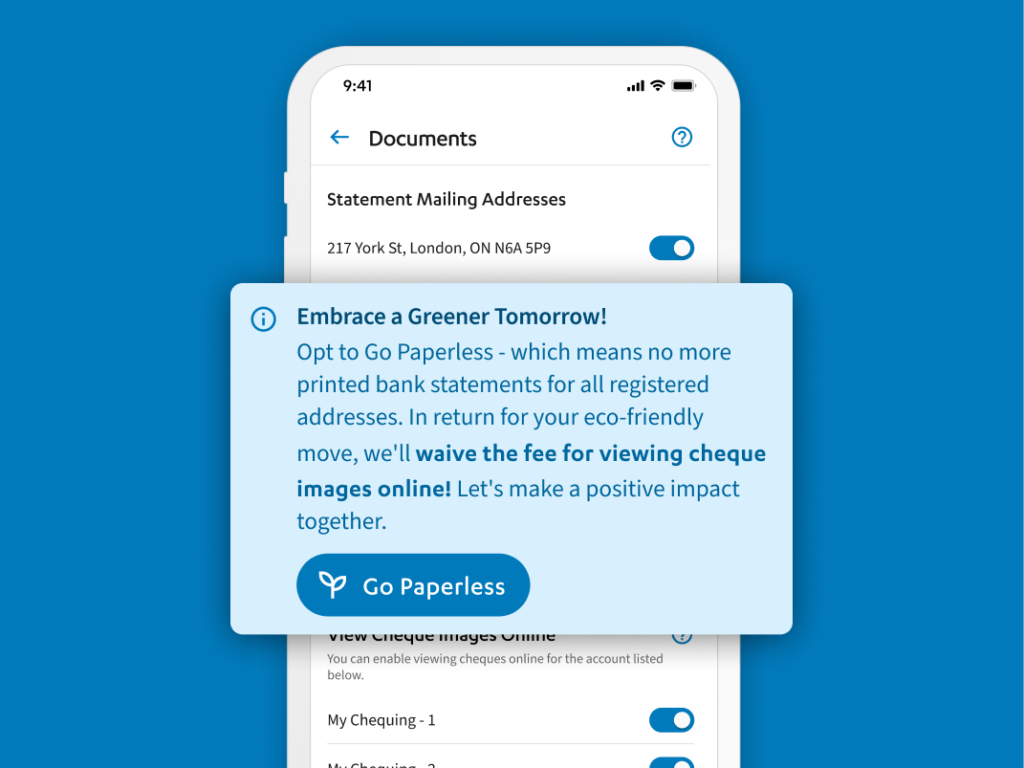
Transforming banking one statement at a time
With paperless banking, your financial statements and banking record are never more than a couple clicks away.
- Enjoy free online cheque image viewing.
- Help make our planet a little greener by signing up for paperless statements through online banking.
- Experience reduced clutter, convenience and a positive environmental impact.
Sign up for Paperless Statements
To get started, follow the instructions below:
- Sign into Online Banking. Not signed up for Online Banking? Visit Online Banking page to learn more or call Libro Connect at 1-800-361-8222 to get started.
- In the main header menu, click your “Profile Menu” (or initials if you haven’t uploaded an image yet).
- Select “Settings” from the drop down menu.
- Select “Documents” from the top tabbed menu.
- Under Statement Mailing Addresses toggle the slider of the according address you wish to switch to PAPERLESS slider from “OFF” to “ON” (to the right)
- You will see a confirmation window pop up. Make sure all is correct, and select “Close.”
If you have any questions or need assistance from a Coach, please contact us.
View Online Cheque Images
This function allows you to view images of cheques you’ve written once cleared by the recipient’s financial institution, for record-keeping.
These can be accessed under Documents> Cheque Images or within your account transactions.


