Online Banking
Bringing the Libro experience to you online, 24/7
Libro offers an excellent Online Banking service which allows you to interact with your account anywhere you can find an internet connection. Our Coaches are willing and able to set you up and teach you the ropes.
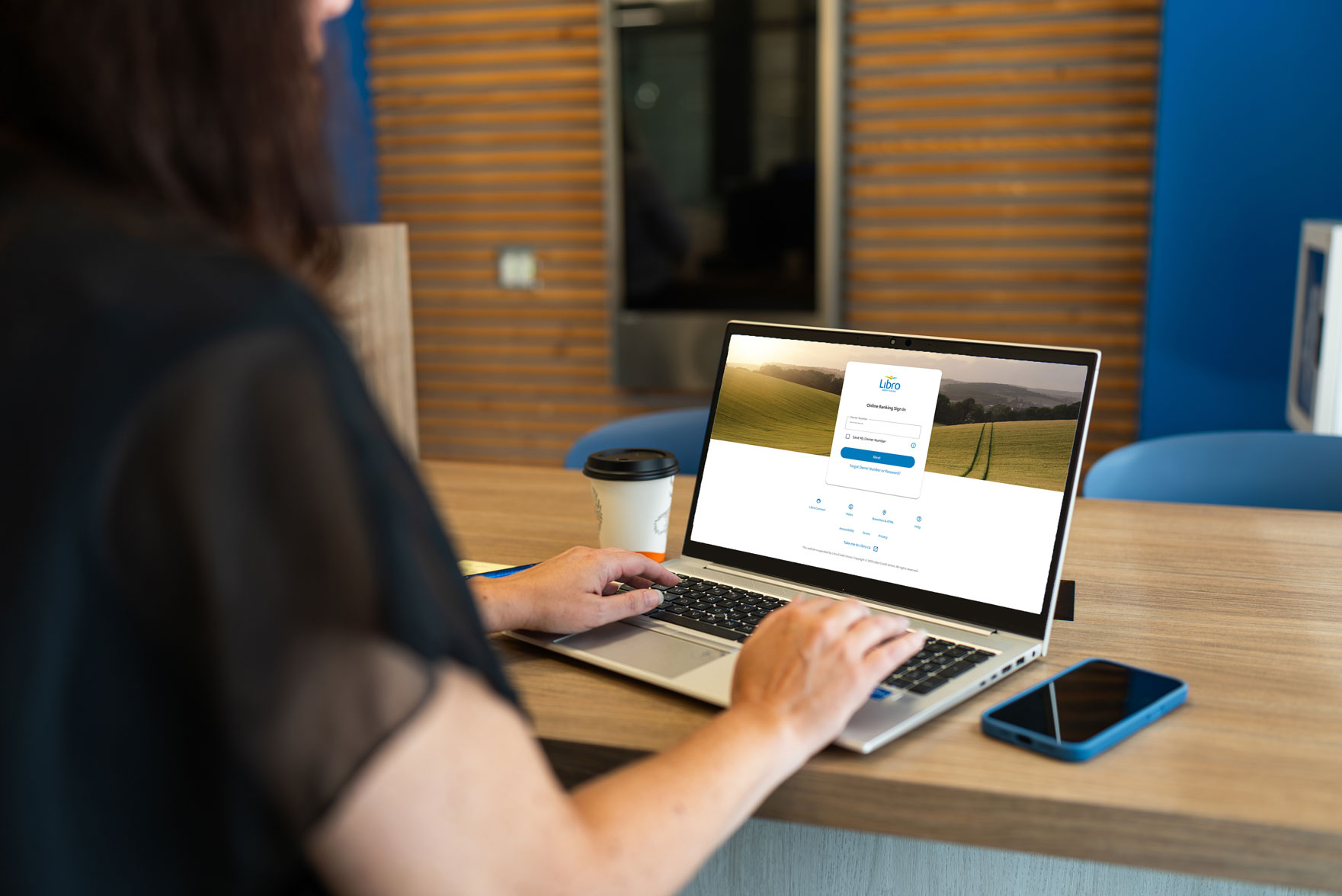
Manage Your Money

Complete everyday banking tasks with Online Banking. Find step-by-step guides for sending money, transferring funds, making deposits, and managing your accounts.
Manage Your Account

Easily manage your Libro accounts with Online Banking. Find step-by-step instructions for updating your settings, security, notifications, and more.
Already bank with Libro?
Give us a call to activate Mobile and Online Banking.
- Verify yourself over the phone
- Receive a temporary password and instructions to update it
- Access your money securely anytime, anywhere
Are you Setting Up Online Banking for the First Time?
Set Up Online Banking
Call Libro Connect at: 1-800-361-8222 anywhere in North America to chat with a Libro Connect Representative from 8am to 8pm Monday to Friday and from 8am to 4pm on Saturday.