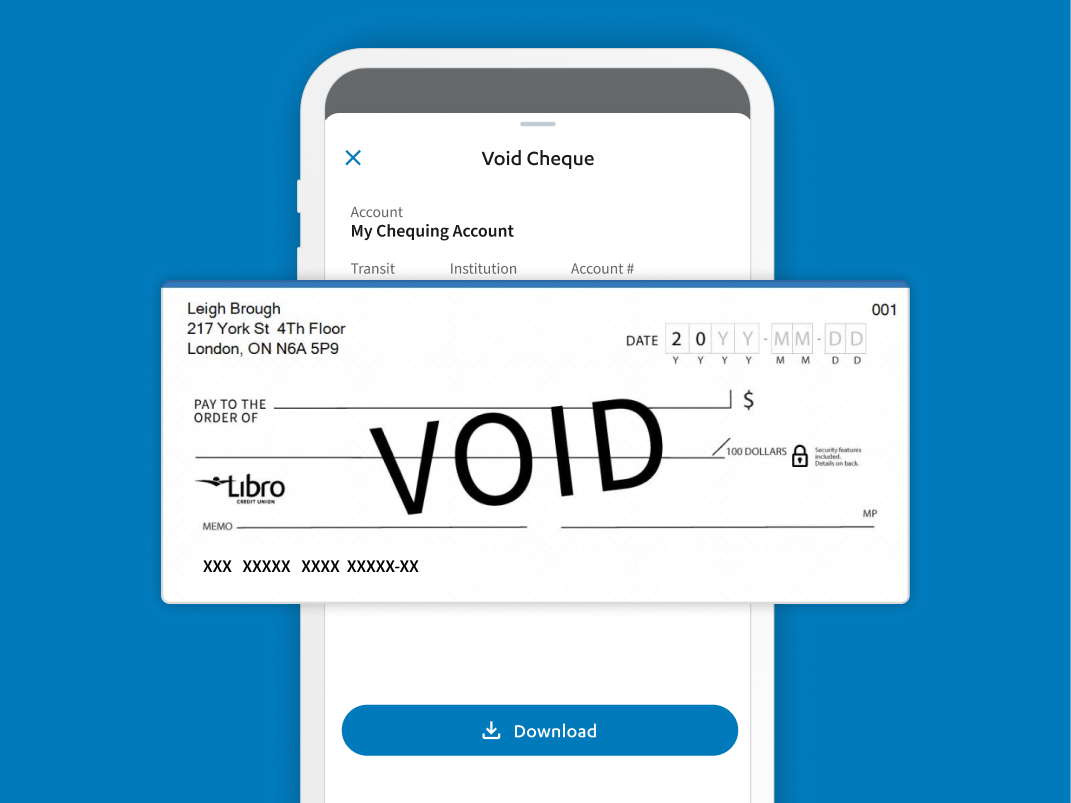
Download a Void Cheque
To get started, follow the instructions below:
- Sign into Online Banking.
- Go to the “Accounts” page, click on the account you want a void cheque for.
- You will see a line item for Void Cheque – Select Download
- On a desktop or a horizontal tablet, this can be found in the account details tray (the top section with all of the data on your account).
- On a mobile device or vertical tablet, you’ll need to open the account details tray (the top section with all of the data on your account) by selecting the v arrow.
- You will then see a line item for Void Cheque – select Download again to download the void cheque.
Remember, this is a sensitive document with your banking information. You can print and physically give this to a trusted party. However, if you are electronically sharing this, you should make sure to send it securely by password protecting or encrypting the file.
If you have any questions or need assistance from a Coach, please contact us.