
Business & Commercial Online Banking
Learn more about our digital banking offerings for all business sizes.

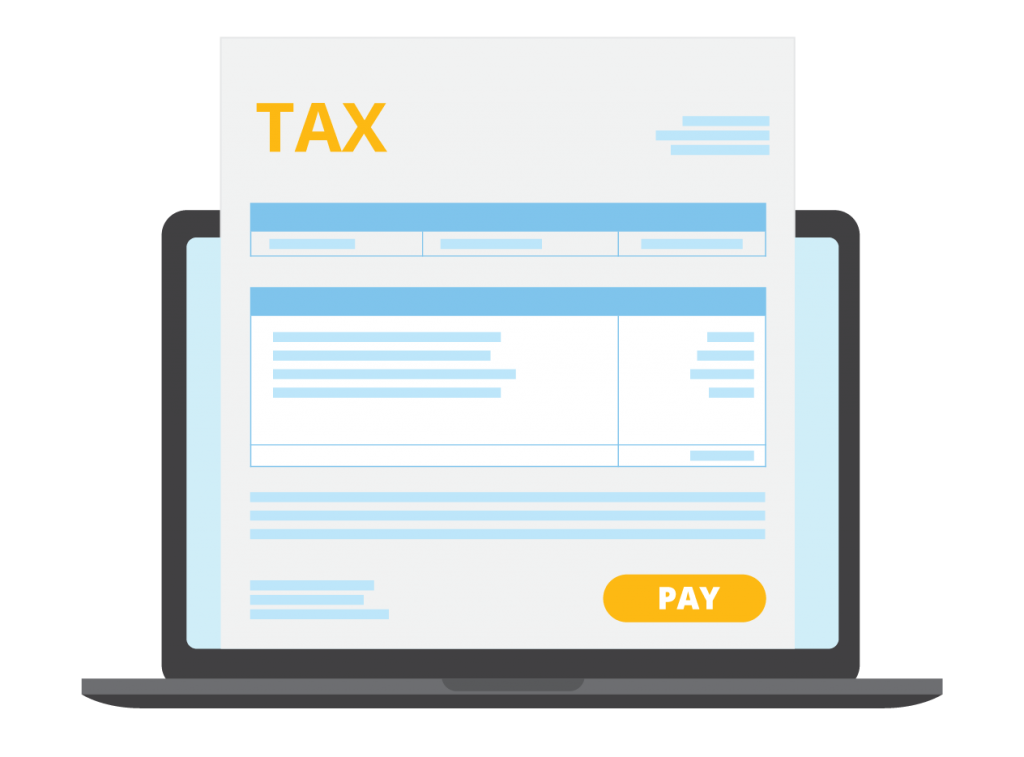
Pay your business taxes online
Pay business taxes right from your Libro account and review past business tax payment history.
It's a simple, faster way to pay and keep track of payments.
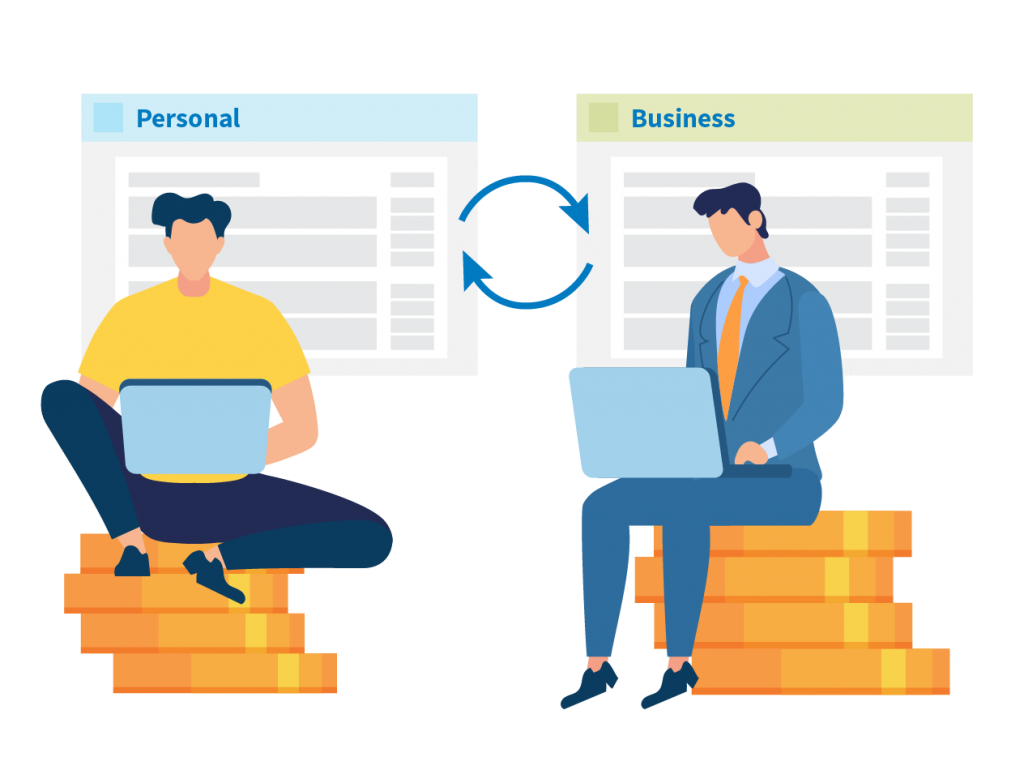
Set up your business view
Libro Online Banking offers you the flexibility to separate your personal accounts from your business accounts.
Switch back and forth from your personal to business accounts without having to sign in and out. That's convenience at its best.

Enhanced business features
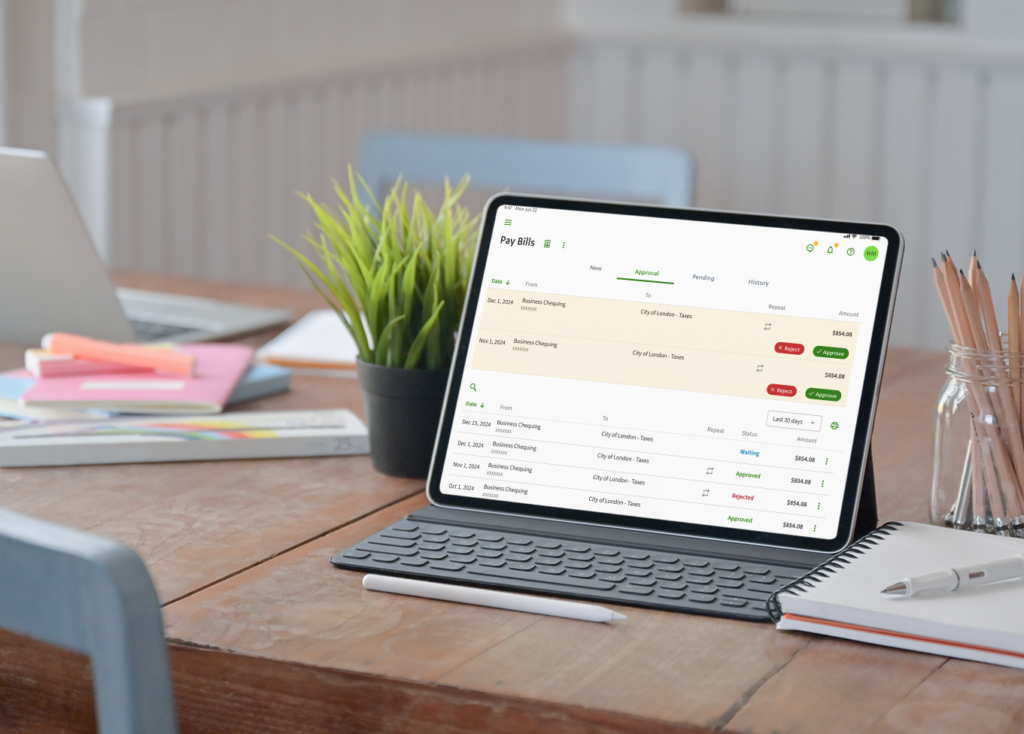
Multi-approver functionality provides the features businesses with 1-2 signature accounts require in order to transact online safely and conveniently.
View Only allows Members to grant read-only access to individuals who are not signers on the accounts.
In-Depth Reporting
- Reporting on CAD and USD accounts in real time
- Export reports in variety of formats
- Image retrieval of CAD and USD cheques and electronic banking statements
- Email and text notifications

Convenient Account Management
- Online stop payment creation for cheques and pre-authorized debits
- Customizable user and transaction payment limits
- Auditing of user functionalities and activities
- Customization of landing page and account names to suit your preferences


Multi-Approver Transactions
- Administrators can now indicate when transactions require 1, 2, or 3 signatures on a transaction before it is processed
- Offers better turnaround time for approvals
- Mitigates risk with a permission-based model

Secure Messaging
Secure Message is a great feature that Libro includes in all of our digital banking solutions.
It's a quick and secure way to connect to your Libro Coach or Libro's Contact Centre while you're using Commercial Online Banking.
Get quick, on-the-go service when you need it most.
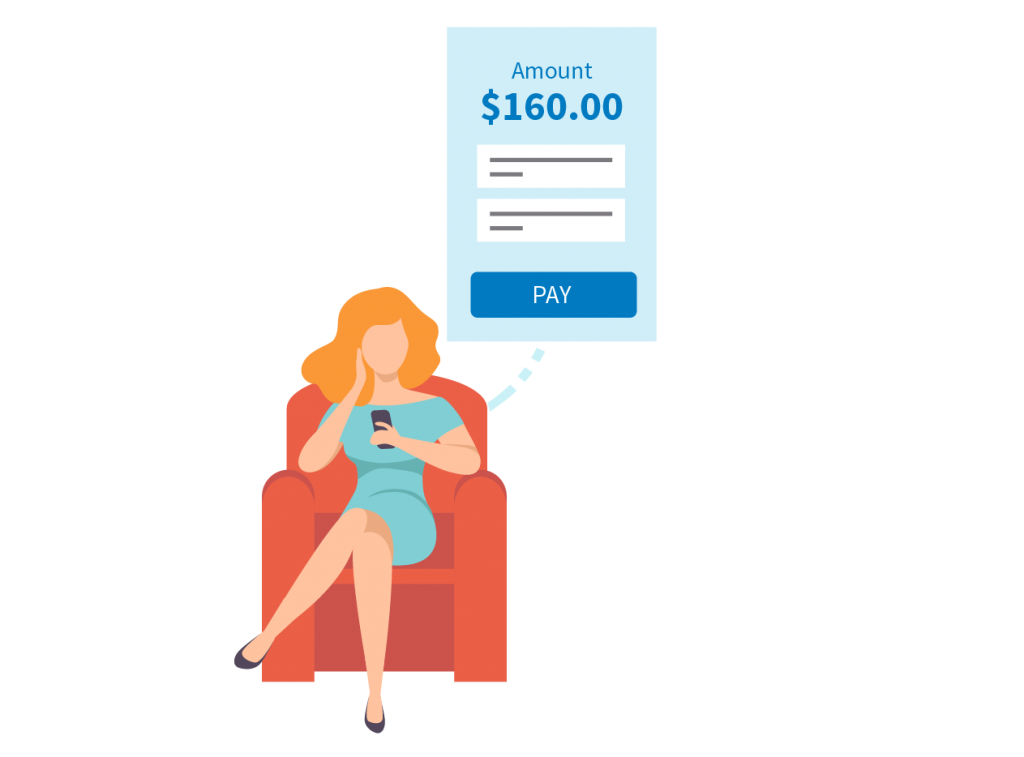
Payments and Transfers
- Transfer between CAD and USD accounts
- Pay bills and taxes online, including future-dated transactions
- Create initiators and approvers of payments, based on your company thresholds and controls
- Sweep functionality to auto-transfer funds between accounts based on minimum and maximum thresholds
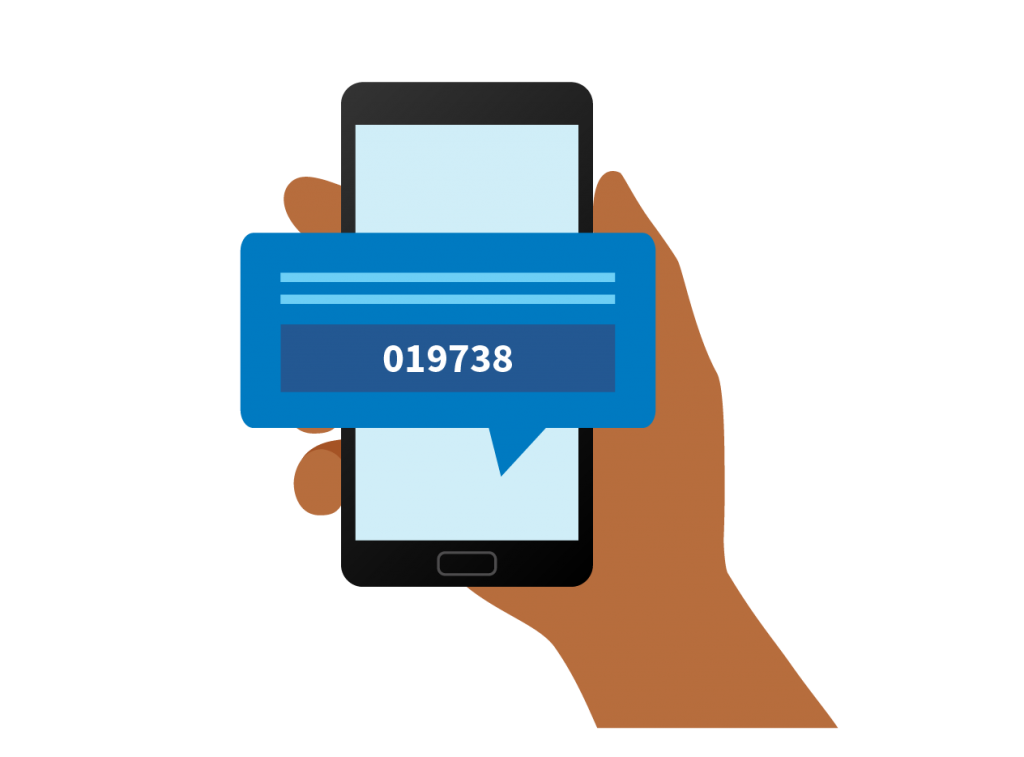
2-Step Verification
2-Step Verification is an extra layer of security to ensure you're the only person who can access your business account.
It confirms your identity by using a combination of: (1) entering your password, followed by (2) entering a one-time verification code sent to you by either email or text message.
Military-level encryption (128/256-bit) and proven firewall protection.

